The planning is done. All that's left is to train.
For anyone who'd rather train than plan. Say how often you train and what equipment you have. Preload takes care of the rest.

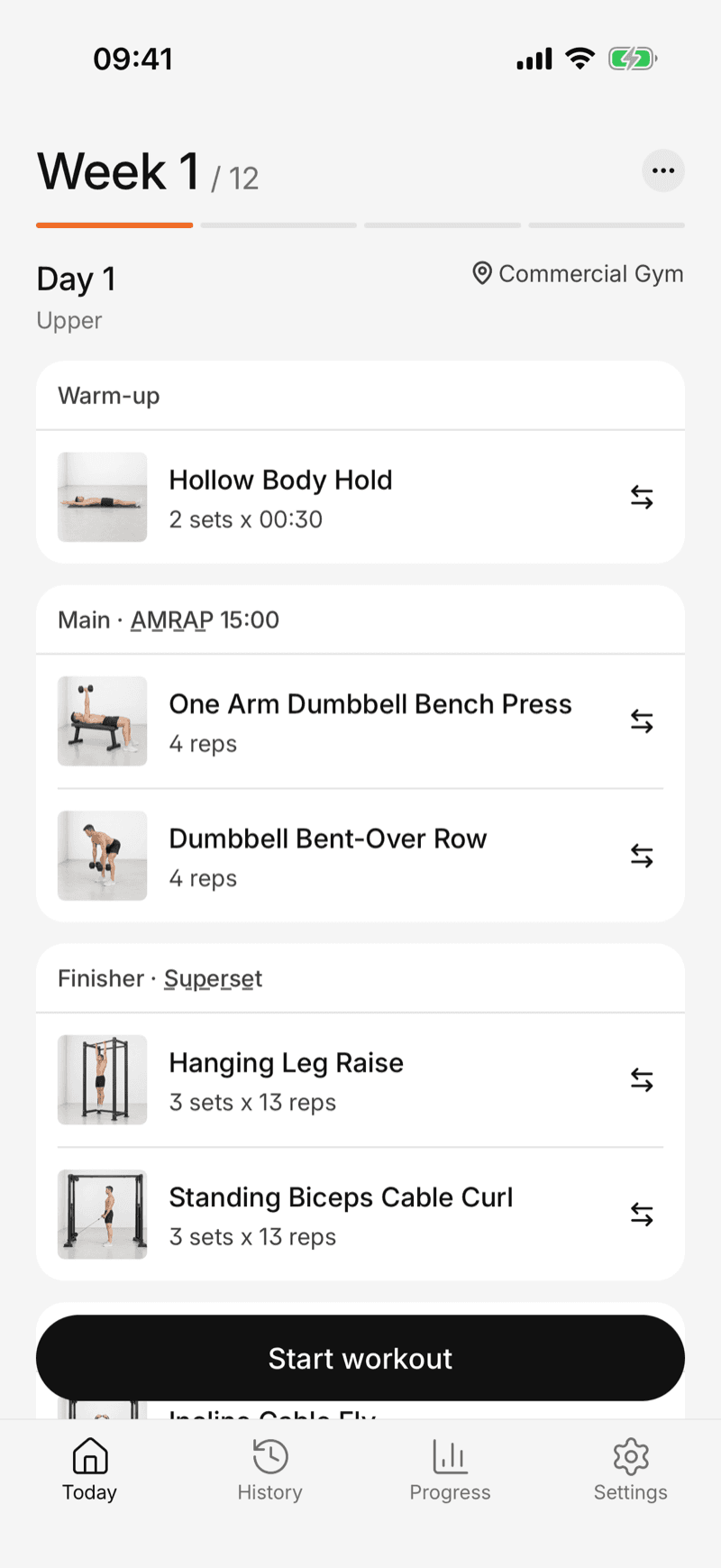
A few questions. Then the whole plan.
Answer a few questions
Your experience, how many days a week you train (2 to 5), and where you train and with what.
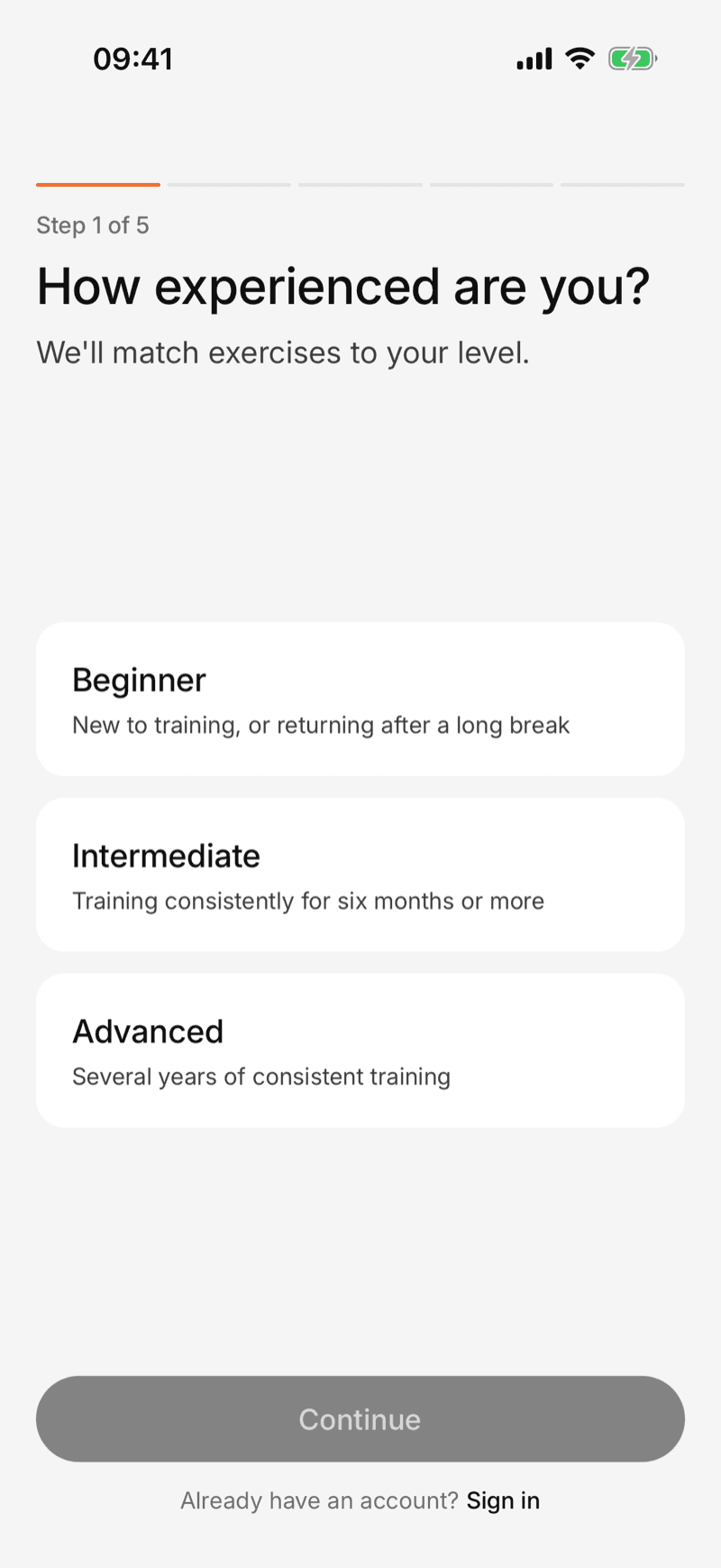
Get the whole plan
Every week is laid out before you start.
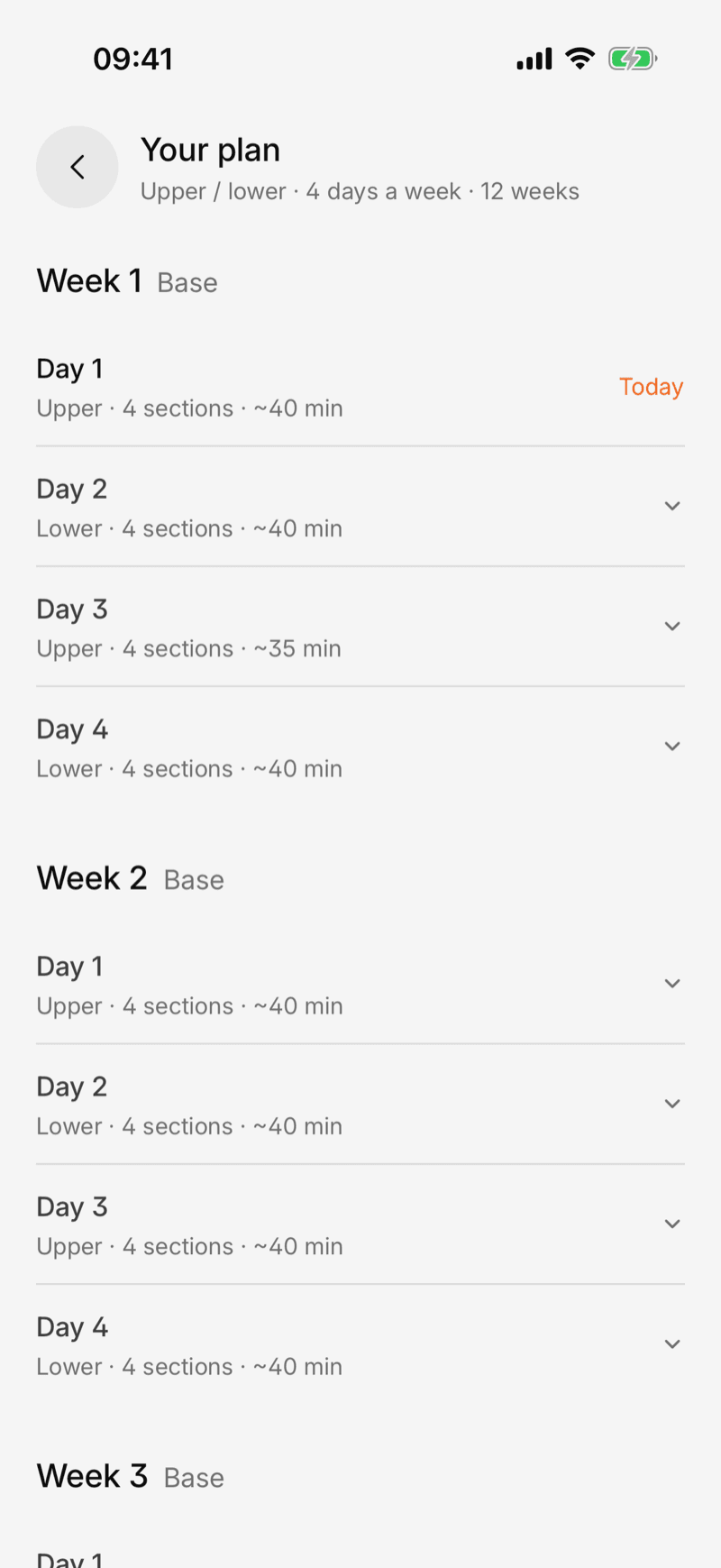
Open the app and train
It runs the timers and logs your sets, and works offline after setup.
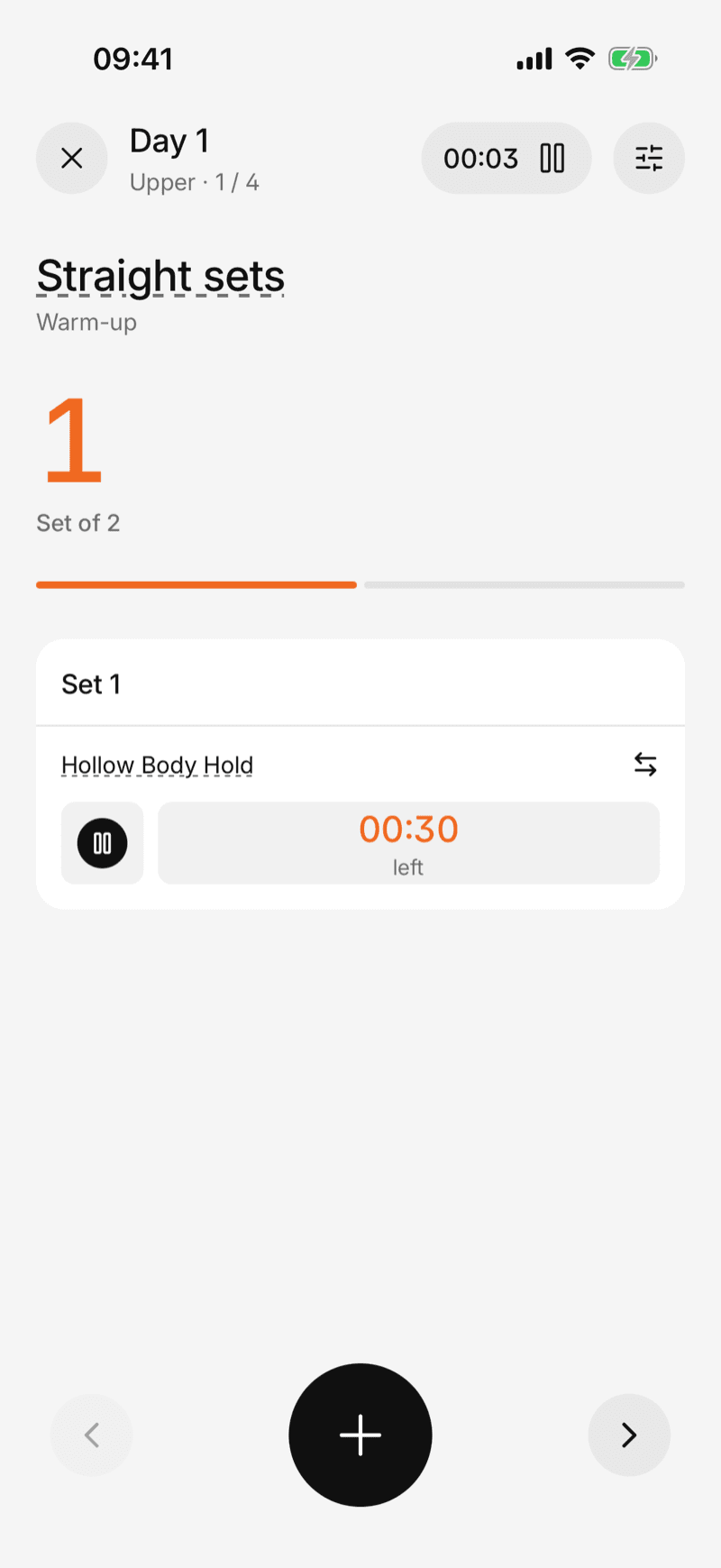
Built so nothing gets in the way.
Works offline after setup
Your plan, the timers and your sets are on your phone, so a weak signal doesn't stop a workout.
Train in different places
Add the places you train, a gym, a hotel, your living room, with the equipment each has. Switch location and the rest of the plan uses what you have.
From full gym to bodyweight only
Pick Bodyweight as your location and the plan uses no equipment, so there's always a workout you can do.
Swap any exercise
Machine taken, or you just don't like an exercise? Swap it for a close alternative, or search for another.
Missed a workout? Carry on.
A workout you missed in a past week is marked skipped, and this week's plan is waiting.
Finished early? Add a workout.
Once you've done all of the week's workouts, you can add another one.
Look ahead any time
Plan View lists every workout in your plan, week by week, so you can see what's coming.
Change the plan when life changes
Train more or fewer days a week, change your level, or pick a different phase length, and Preload rebuilds the plan. What you've already logged stays in your history.
Favorite or blacklist exercises
Star the ones you like and Preload picks them first when it can. Blacklist the ones you don't want, and they stay out of your plan.
Beginner to advanced
Choose beginner, intermediate or advanced, whether you're new, coming back after a long break, or years in. The exercises stay within your level.
See your progress
Each exercise has its own chart of your top set, session by session. History shows the days you trained on a calendar, and when you finish a workout you see how each exercise compared with last time.
Fixed rules, not AI
Your plan is built from fixed training rules that run on your phone.
Base, Build, Peak. Every week planned from the start.
12 weeks by default
| Phase | Weeks | Main block | Accessory reps |
|---|---|---|---|
| Base | 1–4 | AMRAP, 15 minutes | 10–15 |
| Build | 5–8 | EMOM, 10 rounds | 8–12 |
| Peak | 9–12 | Supersets, 6–10 reps | 6–10 |
How every workout is built
- A warm-up
- A main block of two exercises
- Finisher supersets: two or three exercises back to back, with no rest between them
Every third workout, a 4-minute Tabata replaces the warm-up or a finisher: short, all-out intervals of 20 seconds on and 10 seconds off, eight times.
- With 2 or 3 days a week, every workout is full body.
- With 4 days, upper and lower body alternate.
- With 5 days, each day is one body part.
Why I'm building Preload
Hi, I'm Nicolas (opens in a new window). I've always enjoyed running and calisthenics. After my first son was born, running started to take up too much time.
I found CrossFit classes, which became my first contact with lifting. Then my second son was born, and after moving around, it got harder to find a CrossFit gym near me with classes that fit my schedule. So for the first time in my life, I actually got a gym membership.
The problem was that at the gym I didn't really know how to structure my training. I missed having the workout planned for me, like in CrossFit classes.
I tried a few apps, but none of them fit the way I like to train, so I decided to create my own.
I hope Preload helps you stay consistent and show up to train too, wherever you are and whatever equipment you have. I'm always open to feedback, so write to me at support [at] preload [dot] fit.
Nicolas Cusan
Creator of Preload
Frequently asked questions
Open the app. Your workout is ready.